The Supernote Features That Actually Earned Their Place in My Workflow

Not every feature becomes a habit, and what works for me may not work for everyone.

When you first get a new tool, everything feels possible.

Every feature seems exciting. Every function looks like it might become part of your daily routine. You imagine yourself using all of it — every shortcut, every advanced option, every clever workflow the device makes possible.

And then real life begins.

Not every feature becomes a habit. Not every habit becomes essential. Not every useful thing is something you actually reach for. I think that’s one of the more honest lessons of long-term device use, and it took me years with my Supernote to really absorb it. A feature can be well-designed, thoughtful, even genuinely powerful — and still not fit the way I naturally work. Meanwhile, something that seemed almost too simple at first can quietly become something I rely on every single day.

Time has a way of revealing what actually earns its place.

That’s what this post is about — not the most impressive features on paper, not the longest list of what a Supernote can do, but the features that survived real life and kept showing up in my workflow across different seasons. And even then, I want to say this upfront: what works for me may not work for you. That’s not a caveat — it’s actually the whole point.

A good feature has to survive real life

The easiest trap with any productivity tool is confusing possibility with practice.

Just because a feature exists doesn’t mean it will become part of your actual life. Just because something is powerful doesn’t mean it feels natural. Just because a workflow looks clever doesn’t mean it holds up through tired days, busy weeks, travel, or shifting priorities.

For a feature to really earn its place, it has to do more than impress me. It has to reduce friction. It has to make sense in motion. It has to be easy enough to return to even when I’m not at my best — because honestly, that’s when it matters most.

The features that stayed aren’t always the flashiest ones. They’re often the ones that support me when I’m distracted, overwhelmed, or just trying to keep multiple parts of life moving at once. That’s a much higher bar than novelty. And it’s a personal bar, which means my list shouldn’t become anyone else’s checklist.

The features I use because they support the way I think

Over time I’ve noticed that the features I rely on most tend to fall into a few categories — not by design, but because they kept showing up.

Navigation and orientation. Anything that helps me find my place, move through a notebook with less friction, or return to a key section quickly earns trust fast. It saves mental energy. It lets me stay with the thought instead of getting lost in the structure.

Connection across the system. I don’t use my Supernote as a collection of isolated notes. Projects connect to dashboards, ideas connect to future writing, plans connect to action. So features that create pathways across the device — rather than just storing things in separate compartments — tend to become deeply valuable.

Surfacing what matters. This is probably the biggest theme running through my whole workflow. I care a lot about visibility — what stays close, what remains easy to reach, what doesn’t get buried under everything else. Features that keep important pages and current priorities near the surface are the ones I come back to most consistently.

None of that probably sounds dramatic. But in real life, it matters. What you can reach easily, you’re more likely to use. What you can return to easily, you’re more likely to keep alive.

The features from my site that have truly earned their place

Looking honestly at how I actually use my Supernote — not how I planned to use it, but how I actually do — a few things keep rising to the top.

Landing pages and top-down organization. These matter because I need orientation. I want to open my device and immediately know where I am, what season I’m in, and what deserves my attention right now. A strong landing page isn’t just aesthetic — it’s wayfinding. Without it, I spend too much mental energy just figuring out where to begin.

Links, headers, and table of contents. These turn notes into pathways instead of dead ends. If my notebooks are living spaces, these are the features that make them navigable. They support movement inside the system rather than just storage within it.

Keywords and Favorites. Not everything needs to stay visible all the time, but some things need to be easier to retrieve than others. Keywords and Favorites support that middle ground between deep storage and daily visibility — which is exactly where a lot of my most important material lives.

Quick Access. This one earns its place simply by shortening the distance between me and the pages I use most. Anything that reduces that friction fast tends to make it into my real workflow, not just my ideal one.

Templates. Templates reduce startup energy, and startup energy is often the whole problem. Whether I’m planning, journaling, sketching, or working through a repeatable process, a good template makes reentry easier. Anything that makes starting easier has a strong chance of staying in my life.

Digest. This one fits the way I think about Supernote as part of a larger system — not just a notebook, but a place where raw material gathers before becoming something more finished. Digest supports that research and collection mode better than almost anything else.

Calendar and planning features. These earned their place because they support continuity between life and notes. Projects, intentions, appointments, and everyday structure don’t live in separate worlds for me, so features that help keep them connected tend to matter.

Export and multi-device syncing. My workflow doesn’t end inside one screen. The features that help material leave the device well — or move between devices cleanly — are just as important as the ones that help it land there in the first place.

Atelier and art tools. Visual creation isn’t a side note in how I think and process the world. It’s a full dimension of it. So the features that support sketching and drawing earned their place the same way everything else did — by showing up consistently and doing real work.

The features I respect, but do not build around

This is the part I think more people should talk about.

There are features I genuinely appreciate that still didn’t become central to my workflow. That’s not a criticism of the device — it’s just reality. Some features are well-made but don’t match the way I naturally move. Some are useful only in specific situations that don’t come up often for me. Some make complete sense for other people in other seasons.

There’s real freedom in admitting that.

One of the easiest ways to overcomplicate a system is forcing yourself to use every good feature just because it exists. But a mature workflow isn’t about maximum usage. It’s about alignment. The goal isn’t to become a power user in every possible direction. It’s to build a relationship with the device that feels honest — where some features become central, some stay occasional, and some are simply good to know are there.

That selectivity is part of what makes a workflow strong, not a sign that you’re underusing the device.

What my most-used features taught me about myself

The features that stuck have told me something real about how I work.

I value orientation more than complexity. Visibility more than volume. Ease of return more than endless customization. Structure that supports thought, not structure for its own sake. I don’t need every feature woven into a grand system for the device to be meaningful — I need the right features to support the actual shape of my life.

That’s helped me become more relaxed and more discerning over time. I no longer feel pressure to use everything. I no longer assume the most advanced option is automatically the best one for me. I pay more attention now to what I reach for naturally, what I return to often, and what keeps being useful across different seasons.

Less performance. More truth.

What actually earns a place

What actually earns a place

Not novelty. Not complexity. Not even usefulness in the abstract.

What earns a place is repeated usefulness in real life — a feature that helps me begin, helps me return, helps me see what matters, makes my notes easier to navigate or revisit, and supports the way I actually think rather than the way an idealized version of me might think.

After years with this device, I’ve learned that the features that truly matter aren’t always the ones that sound most impressive. They’re the ones that survive when the novelty is gone. The ones that make it easier to think, easier to return, easier to start again on a day when starting feels hard.

Those are the features that earned their place.

For me.

And that last part matters — because what earned a place in my workflow may not earn one in yours. That’s not a flaw in the device. It’s just the nature of building something personal. You have to use it, test it, be patient with it, and let time reveal what actually fits.

That process didn’t just teach me how to use my Supernote. It taught me how I work.​​​​​​​​​​​​​​​​

Part 5 of 6 of The Supernote Passport Diaries->

Part 5

Features to Master

From Fragments to Finished Work

Most finished work does not begin finished.

‍ ‍

For me, it usually begins as fragments -- a phrase, a rough note, a quote, a sketch, a question I am not ready to answer yet.

‍ ‍

This post is about how my Supernote helps me move from those fragments into finished work through research, synthesis, writing, exporting, and archiving.

‍ ‍

Less pressure.

More process.

More trust in the slow becoming of an idea.

‍ ‍

Read More

Tracing My Family History With Supernote

I use more than one Supernote device, but not for the reason people might assume.

‍ ‍

It is not about complexity.

It is not about collecting devices.

It is about roles.

‍ ‍

One helps me capture in motion.

The other helps me distill in depth.

This post is about why that two-device rhythm works for me, and why the real goal is not owning more tools, but understanding what each one is helping you do.

Read More

What Earns a Spot on My Supernote Landing Page

For a long time, I thought my Supernote landing page needed to hold everything.

‍ ‍

Now I see it differently.

‍ ‍

A landing page is not a warehouse. It is a compass.

‍ ‍

It is not there to prove how much your system can store. It is there to help you see what matters right now and return to it with less friction.

‍ ‍

This post is about what actually earns a place on my landing page, and why visibility is one of the strongest forms of priority.

Read More

Six Years Later: The Atlas I Didn't Know I Was Making

For year six, I wanted to do something different.

‍ ‍

My past Supernote posts focused on workflow, lessons learned, organization, retention, and how I use the device. But this year, I found myself wanting to write something more personal.

‍ ‍

Because after six years, my Supernote no longer feels like just a digital notebook. It feels like a witness. A place that has held travel, recovery, training, art, memory, cultural questions, and the many versions of me that existed before I knew how to name them.

‍ ‍

So this year's post is less of a review and more of a memoir.

‍ ‍

Less about features.

More about what one place can carry.

‍ ‍

It became an atlas.

And when I look back through those pages, I can see the map of who I've become.

Read More

ACL Adventures with Supernote

How ACL Surgery Brought Me Back to Drawing (and Adventures with My Supernote A6X)

When Movement Stopped


ACL surgery has a way of putting life on pause. For someone like me, who thrives on movement, adventure, and the constant pull of what’s next, recovery felt like being caged. My body wasn’t able to chase the things I loved most — traveling, training, exploring — and instead I was confined to stretches of stillness.

The physical pain I could handle. The mental challenge of sitting still, day after day, was another story. That’s where I felt the real battle: the restlessness, the frustration, the endless loop of wanting to move but being forced to wait.

Finding a Lifeline in the Smallest Device

Oddly enough, the thing that kept me sane wasn’t a new hobby or endless scrolling online. It was my Supernote A6X— the smallest of my devices, but the one that gave me the biggest sense of relief.

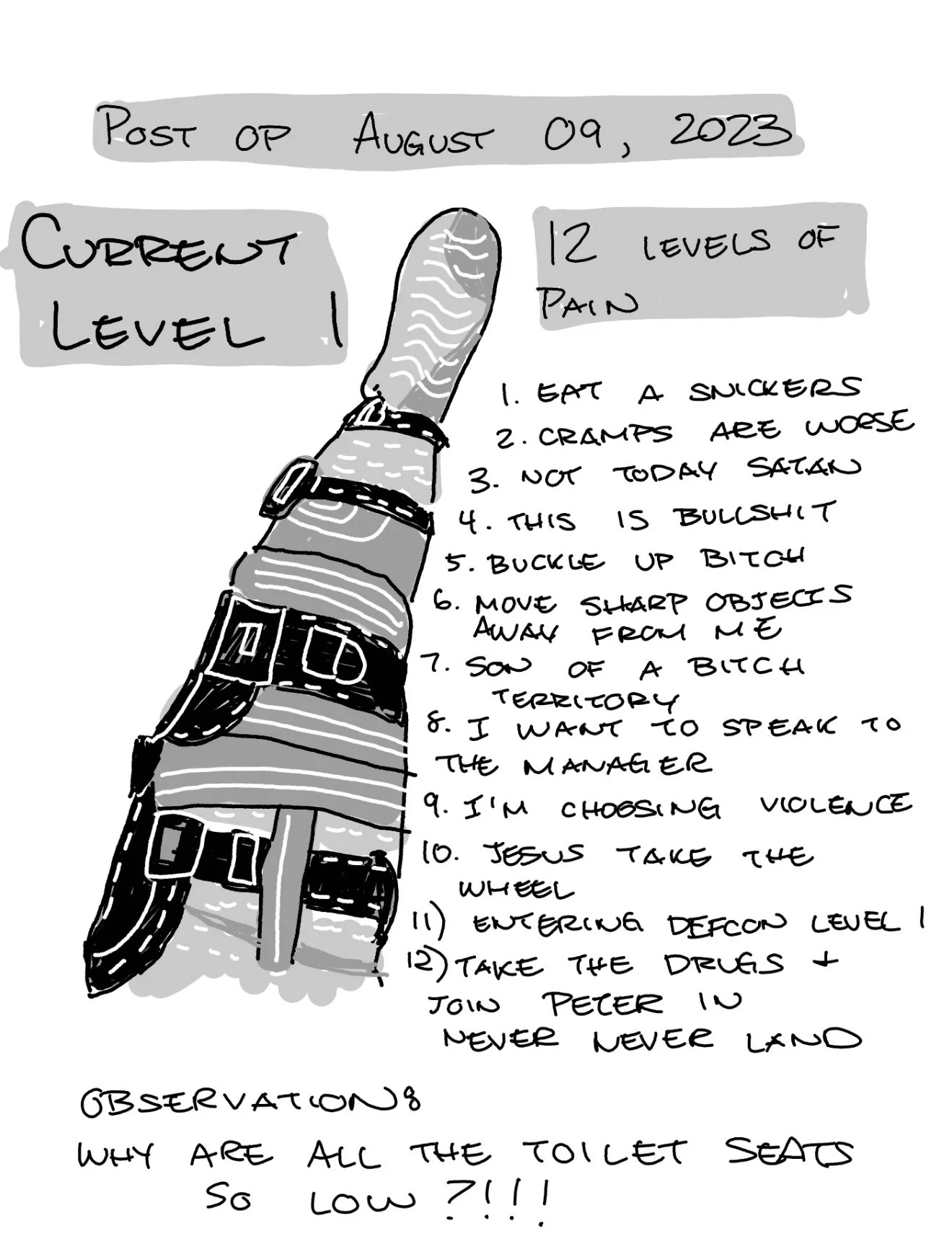
At first, I used it for journaling. Simple daily logs of pain, progress, and gratitude. But slowly, the pages became more than a record. They became an outlet. Each stroke of the stylus felt like a way to release what was locked inside.

The A6X fit perfectly into the rhythms of recovery. Light enough to hold on the couch, portable enough to keep by my bedside, and versatile enough to let me switch from writing to sketching without distraction.


Rediscovering Drawing

Somewhere along the way, my Supernote became more than a journal — it reignited my love for drawing.

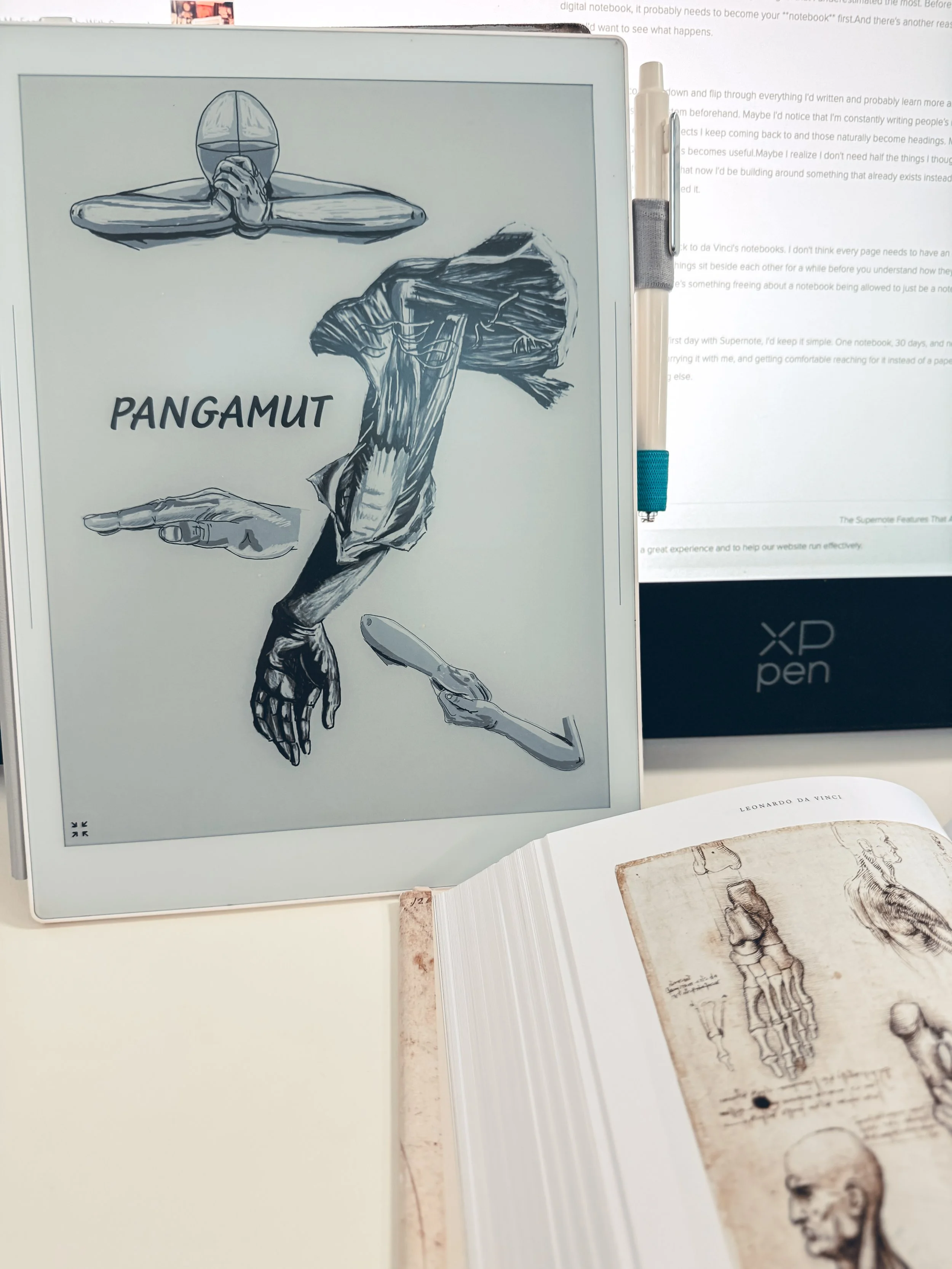
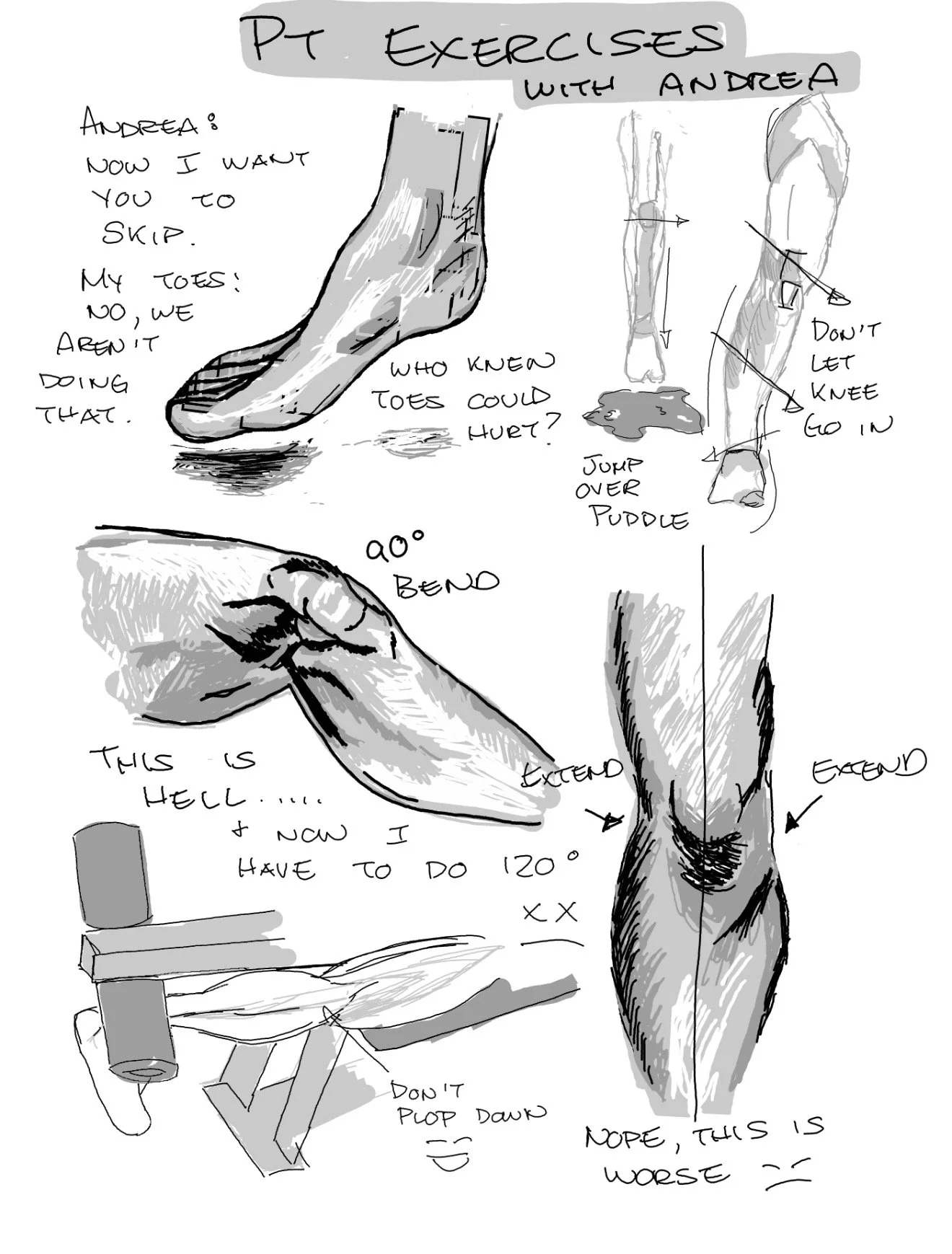
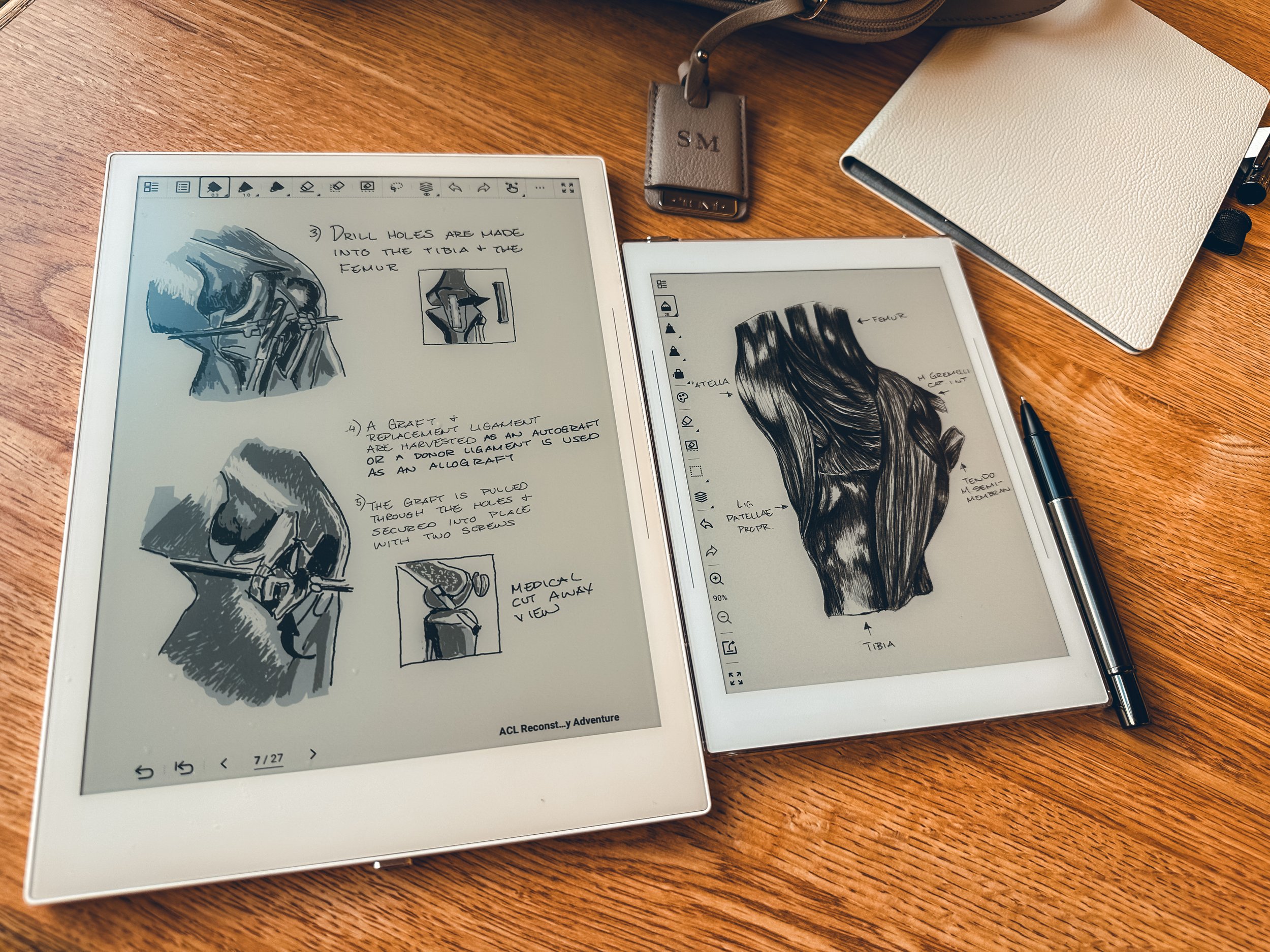
I had let drawing slip from my life in the busyness of work and travel. But with recovery slowing me down, I found myself sketching again. At first, it was quick doodles: lines, shapes, little studies of whatever was in front of me. Then it grew into full drawings, pages of shading and anatomy practice, captured thoughts in visual form.

The act of drawing brought me into the present moment. It gave me the same kind of focus and flow I used to get from training or traveling. It wasn’t just about passing time — it was about building something meaningful while time stood still.


Adventures Didn’t Stop — They Shifted


Looking back now, I see that my ACL surgery didn’t strip away my sense of adventure. It just shifted it. Instead of climbing new places or training footwork drills, I explored inner landscapes — memory, imagination, and creativity.


The Supernote A6X was my passport during that season. Its pages held the evidence of a new kind of journey: one of rediscovery.


And when I was finally strong enough to step outside again, to travel and move freely, I carried that rediscovered spark with me. Now, every adventure I go on isn’t just about the place — it’s also about the sketchbook in my pocket, the lines I’ll draw later, the stories I’ll capture in ink on digital paper.

Full Circle

Recovery tested me, but it also gave me something back. It forced me to slow down, to pick up the stylus, and to reconnect with drawing in a way I hadn’t in years. The A6X didn’t just keep me from going crazy — it quietly reminded me of who I was before the distractions, before the busyness.


Sometimes, detours in life don’t just delay us. They redirect us toward paths we wouldn’t have chosen, but that we needed all along.


And for me, that path was drawn — quite literally — on my Supernote.


Five Years with Supernote

What I’ve Learned and What I’d Do Differently

It’s hard to believe that it’s going to be five years since I first picked up my Supernote. What started as a curious venture into digital note-taking has evolved into an indispensable part of my daily life. Over the years, I’ve refined my workflow, discovered what works (and what doesn’t), and learned how to make the most of this remarkable tool. If I had the chance to go back and do it all over again, there are three key areas I’d focus on from day one: organization, retention, and archiving.

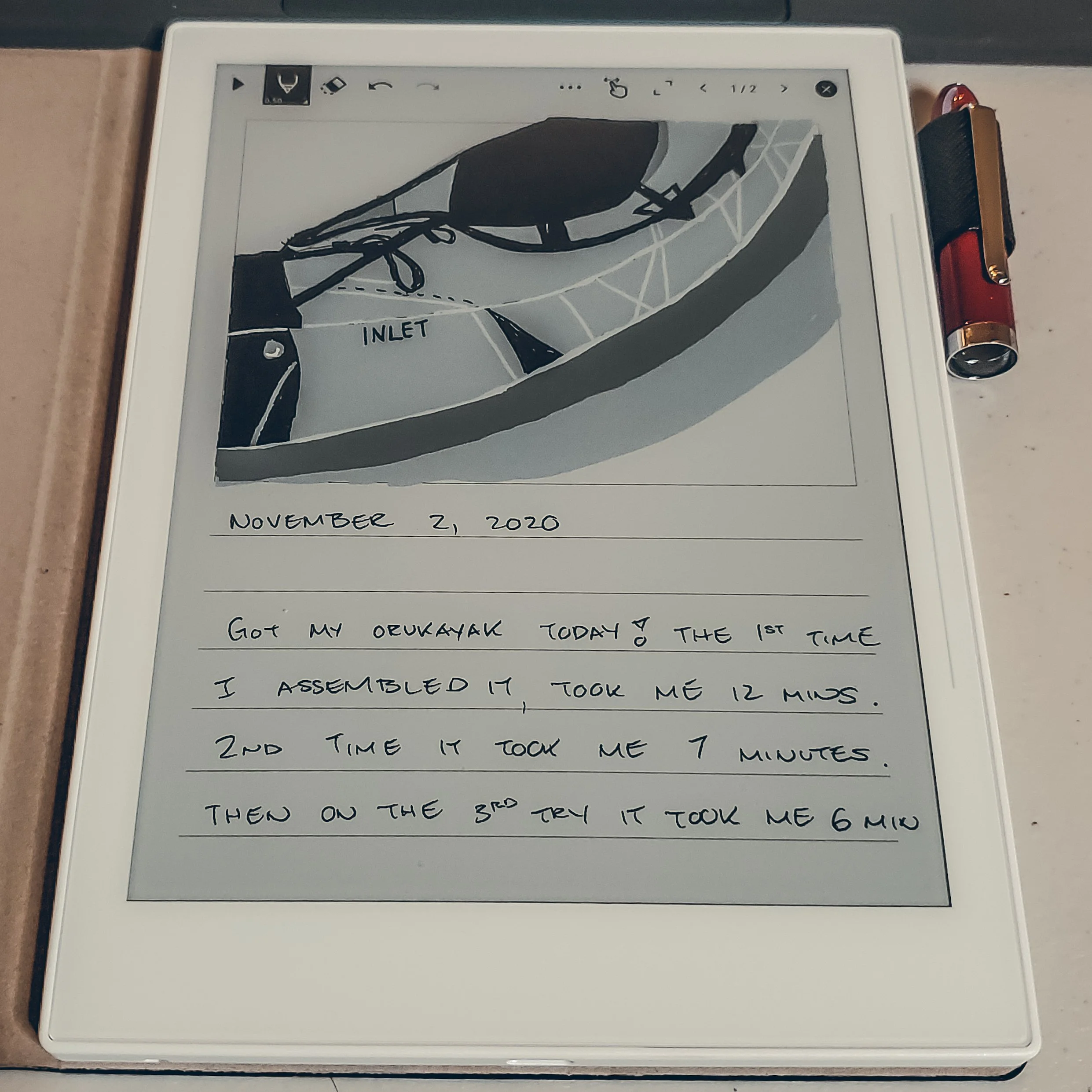
One of the first entries I did on my A6x.

Organization: Building a Strong Foundation

When I first started using my Supernote, I treated it like a digital notebook — and that was both a blessing and a curse. The freedom to create endless pages and notebooks felt liberating, but without a clear organizational structure, things quickly became chaotic. I spent too much time flipping through files, trying to find that one note I knew I’d written but couldn’t locate.

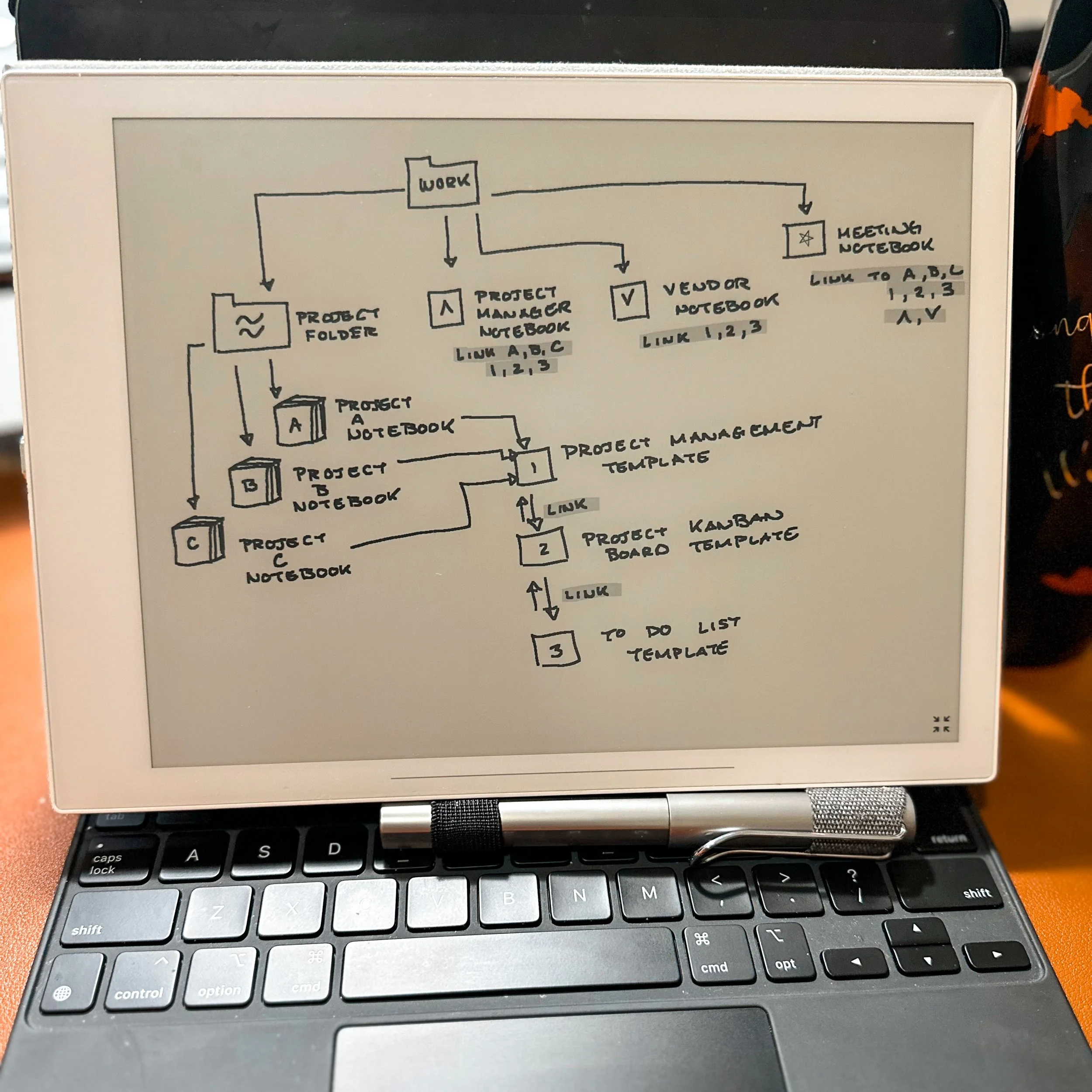
First version of organizing folders and links. I think links had just been implemented.

If I could go back, I’d establish a clear folder and naming convention from the start. Something as simple as categorizing notebooks by project, year, or theme would have saved me countless hours. Over time, I developed a system that works for me, but those early months of digital clutter could have been avoided with just a bit more foresight.

For more on Organization:

Pro tip: Use consistent file names and nested folders — think of your Supernote as a digital filing cabinet. The more intentional your organization, the smoother your experience.

Retention: Making Information Stick

One of the unexpected lessons I learned with Supernote was the importance of active retention. Taking notes is one thing, but ensuring that important ideas and action items don’t slip through the cracks requires a thoughtful system.

In the beginning, I was guilty of jotting things down and moving on, trusting that I’d “remember” to revisit them. Spoiler alert: I didn’t. Now, I use a combination of digital bookmarks, annotations, and monthly review sessions to ensure I retain what matters most.

If I could start over, I’d create a habit of revisiting my notes on a set schedule — weekly for quick recaps, monthly for deeper reflection. This practice not only helps reinforce ideas but also sparks new ones.

Pro tip: Leverage Supernote’s digital bookmarking and tagging tools to create an easy-to-navigate system for important insights.

Archiving: Creating a Legacy of Notes

Perhaps the most overlooked — yet essential — aspect of long-term Supernote use is archiving. Five years in, I have a treasure trove of notes, sketches, and ideas, but early on, I didn’t think about how I’d want to access those files years down the line.

I’ve since developed a quarterly archiving habit: exporting my most important notebooks as PDFs and organizing them on my cloud storage. This ensures that my work isn’t just stored — it’s preserved.

If I could advise my past self, I’d stress the importance of regular backups and a clear archiving protocol. Knowing that my notes are safe and accessible brings peace of mind and makes the Supernote experience feel complete.

Pro tip: Set a recurring reminder to back up your Supernote files and store them securely — future you will thank you.

Exporting notes into Goodnotes. I don’t do this anymore, everything goes to Obsidian and/or Drive.

Final Thoughts

Five years with Supernote has taught me more than I expected — about digital tools, of course, but also about how I work, learn, and create. If I had to do it all over again, I’d focus on organization, retention, and archiving right from the start.

For anyone new to Supernote or looking to refine their workflow, my advice is simple: treat your digital notes with the same care and intention as you would a physical notebook. Over time, that effort compounds into something truly valuable.

Here’s to another five years of growth, learning, and beautifully organized digital notes.

My User Experience with Manta

Traveling with manta

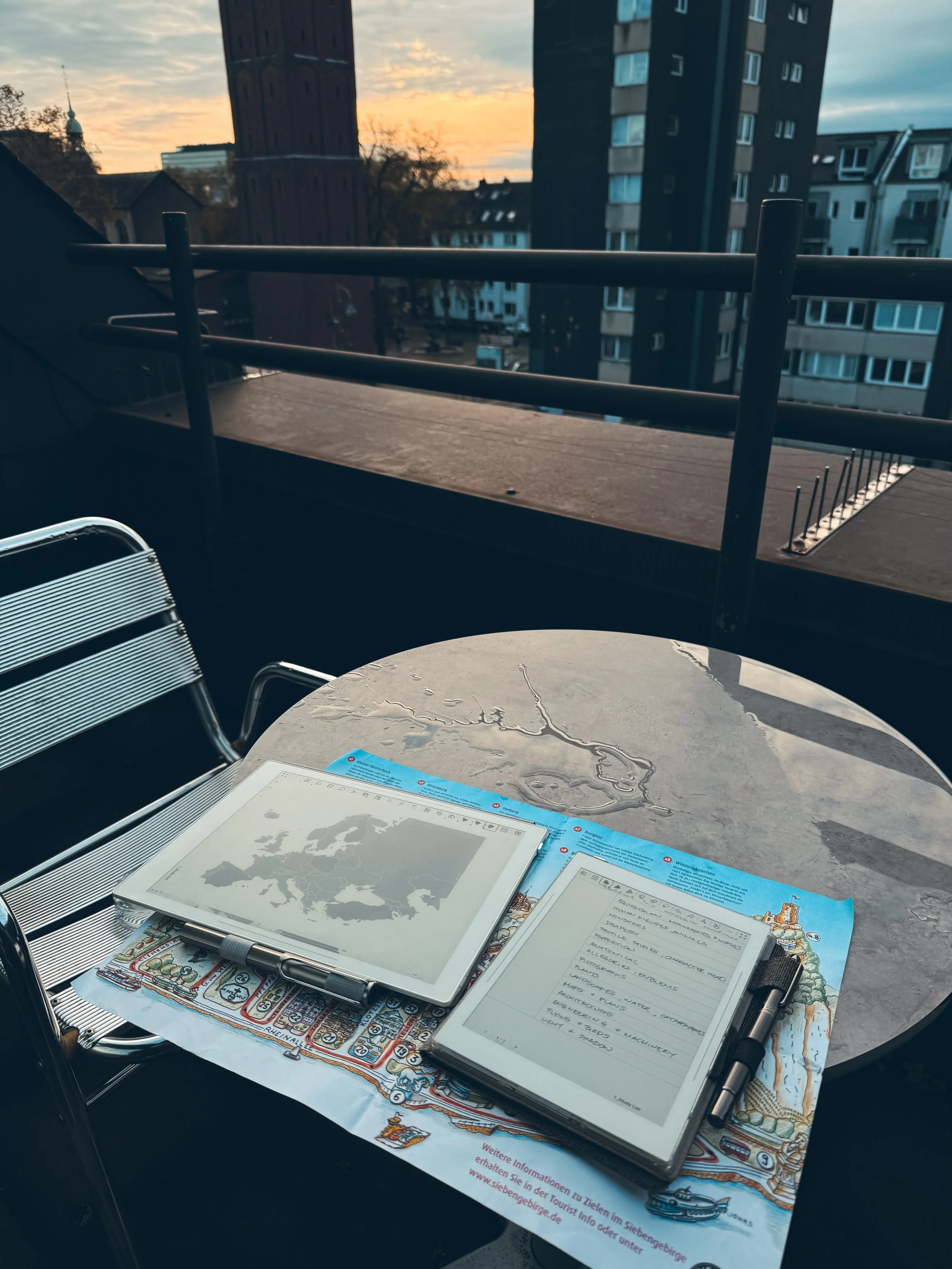
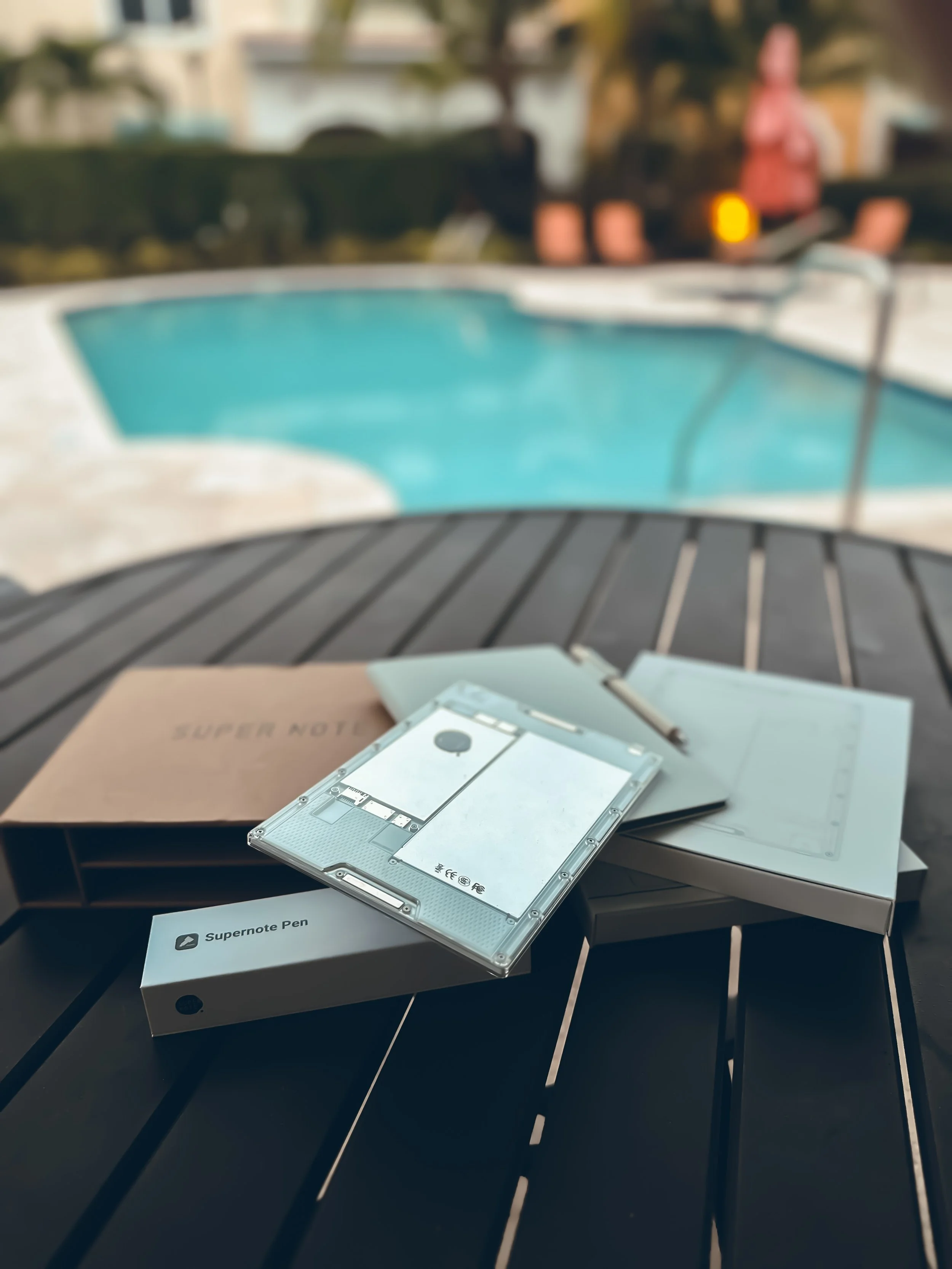
My journey with Supernote devices started in October of 2020 when I purchased the A6X. It’s been an amazing and transformative journey for me. So much so that this has just turned into one of my passion projects. So with that being said, Supernote is not paying me for any of this content here or any of the contents on my site. They have generously gifted me this TEST Prototype of Manta and the half folio. I took Manta on a recent 3 week tour of Europe so this is me just sharing my user experience.

Pros

A Slimmer Profile

One of the most striking differences that I noticed right away was Manta’s slimmer profile.

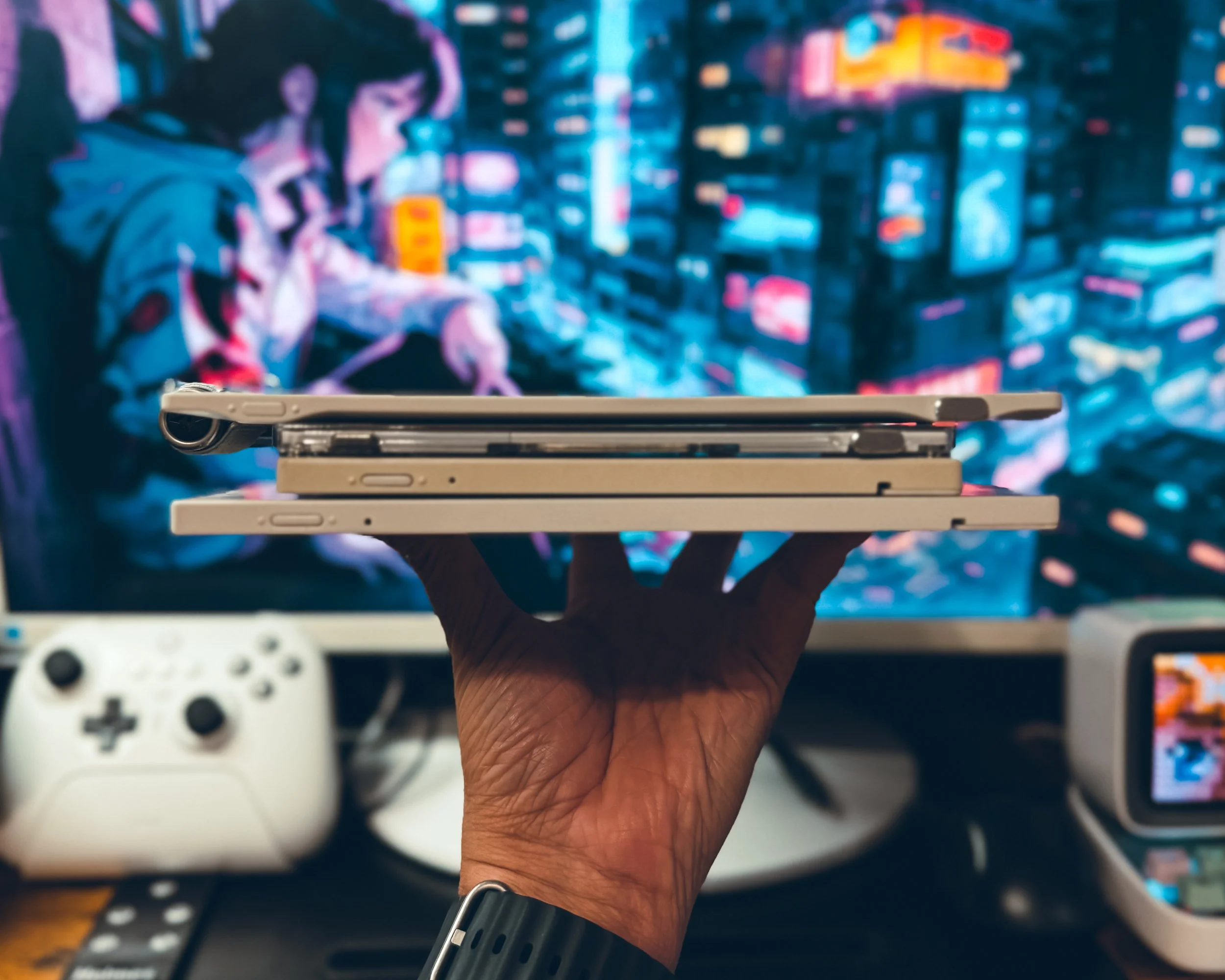
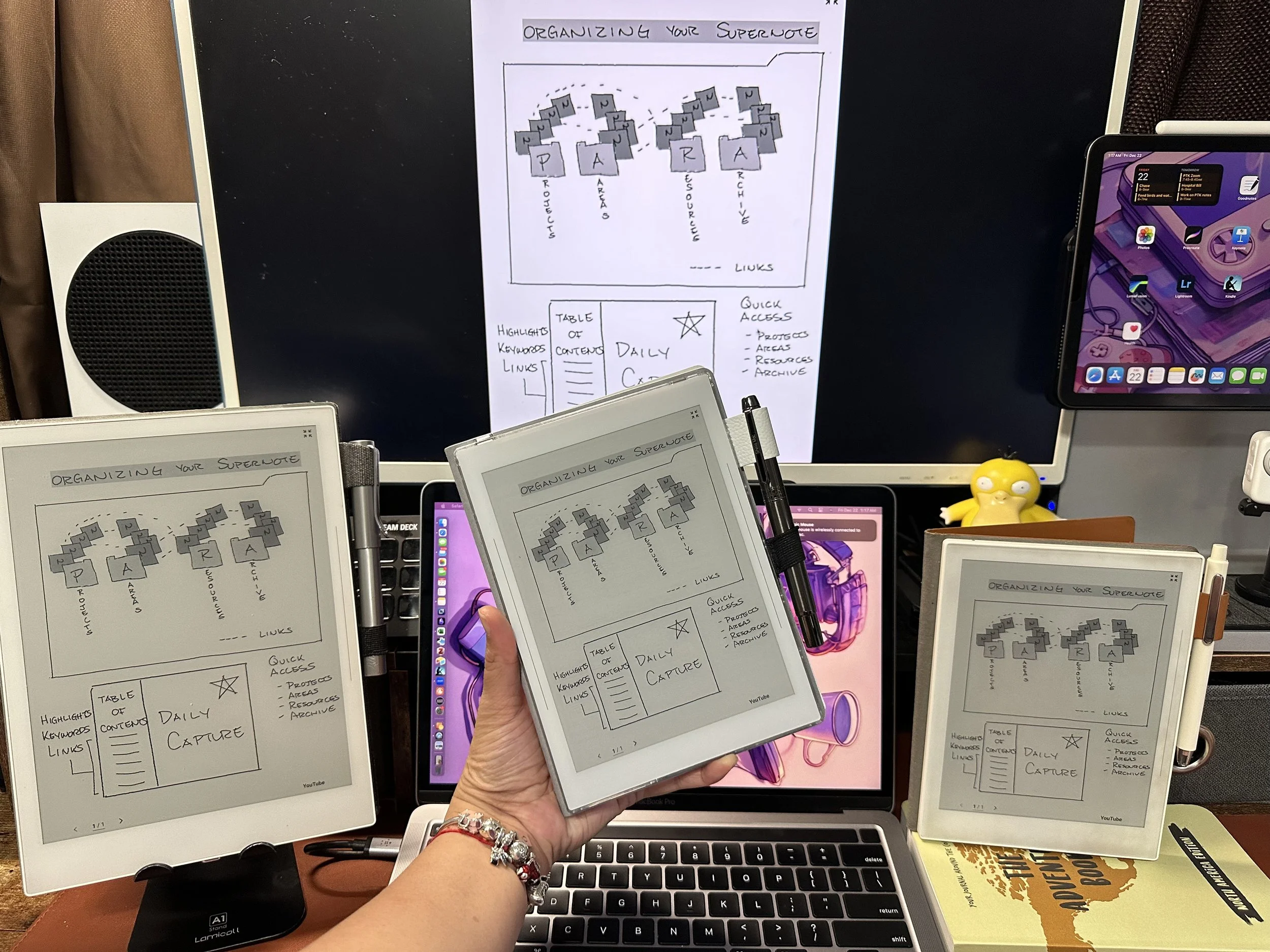
Supernote Sandwich ( Top to Bottom) : Manta, Nomad, A6X, A5X

I primarily use my A5x on my desk and had to rethink how I would be using my Manta. If you look at the Supernote Sandwich picture and look at the center of each device. The Manta and the Nomad are noticeably thinner and lighter than their predecessors .

The bezel space on the bottom of A5x2 combined with the lighter profile allows me to comfortably hold the A5x2 for longer periods of time. The slimmer profile also allows me to form a better grip on the Manta in this position as well.

Manta in landscape orientation.

My hands are small so this allows me to hold A5x2 in landscape mode which I couldn’t do before with A5x without being uncomfortable. When I need just a little bit more space to take notes or draw than what the Nomad can provide then I simply take out the A5x2 and get to work. Being able to single handedly hold the A5x2 in this orientation to draw or take notes has become one of the best new things.

This reduction in thickness makes it even more portable and comfortable to carry around. The slimmer design, without compromising on screen size or battery life, is an upgrade for me because I prioritize portability.

Higher Resolution

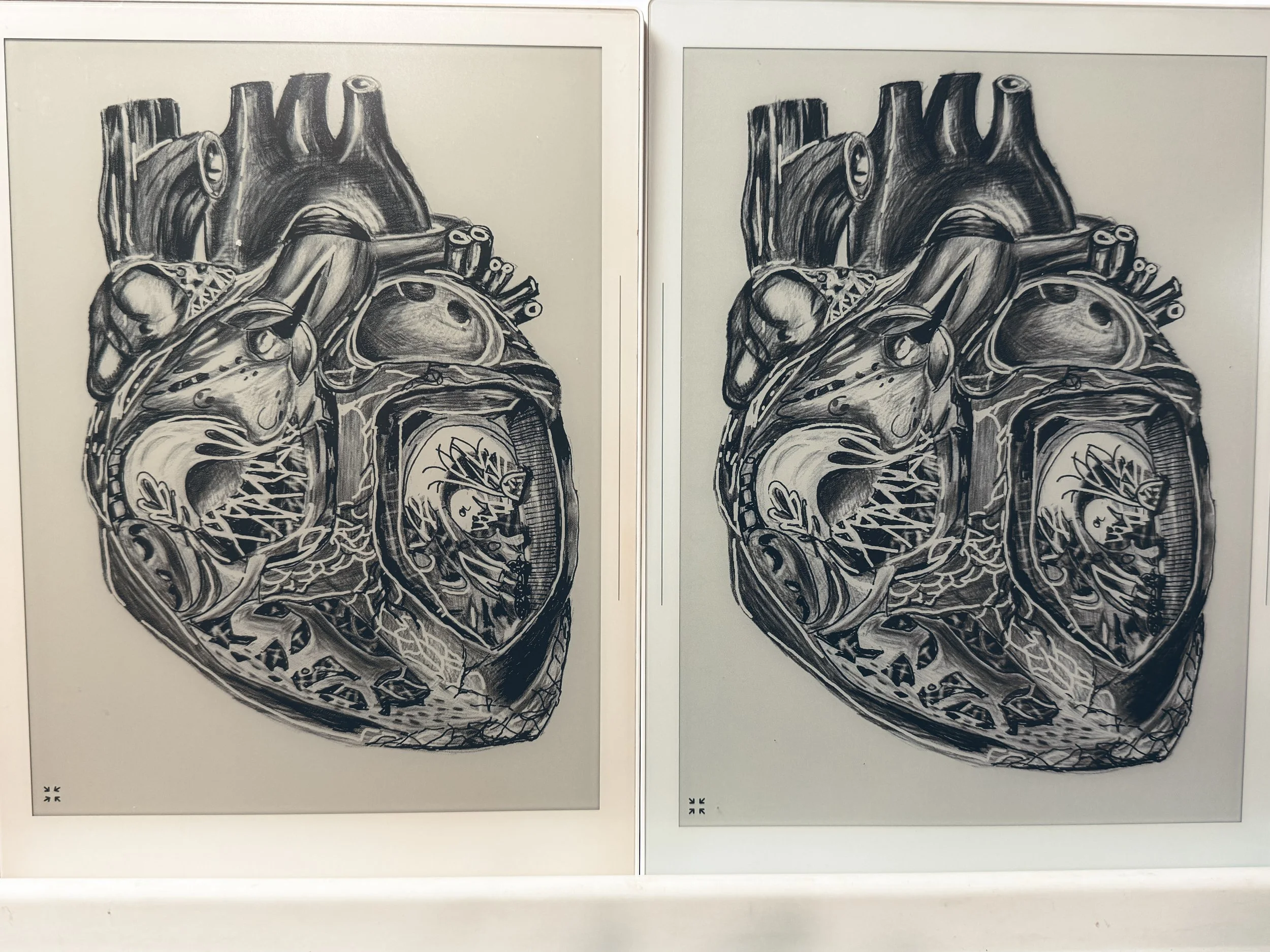
When the Nomad was launched I could definitely tell the difference in my artwork when comparing the Nomad against the A5x. Now with the introduction of a higher resolution of 300 DPI (1920x2560) on the A5x2  I now have the consistency in aesthetics with my artwork and notes for both the Nomad and A5x2. My OCD brain is jumping for joy here.

A5X vs Manta: Same heart drawing on Atelier

Half-Folio

I was fairly skeptical about the half-folio at first. Much like the rail system in the A6x-A5x line and the magnets in the Nomad, I learned to love the half folio. This is because of two factors: durability and ease of cleaning everything else for me is extra. I’m glad to be surprised at how durable the half-folio is. I can’t tell you how many folios I’ve gone through over the years but I can tell you I’ve managed to spill a drink on ALL of them 😆. The A5x2 is no different BUT what sets it apart is the material the half folio is made out of.  Now I generally have my folios folded over the back like I’m not supposed to but I do it anyway. This action usually ends up with either the inside or the outside of the folio getting dirty when it picks up any of the liquid from the table. This time I spilled coffee on the half-folio I was able to simply take the half folio off and run cold water over it and wipe it down.

Disclaimer: Do NOT run cold water on half folio while Manta is attached! This Manta doesn’t know how to swim!!!!!!

Holding Manta up by folio

Added feature I’ve found a use for is that the half-folio doubles as a ruler. I been using the edge to make straight lines. Supernote, can we pretty please have the ability to create simple shapes?

Exposed Frame ( Back )

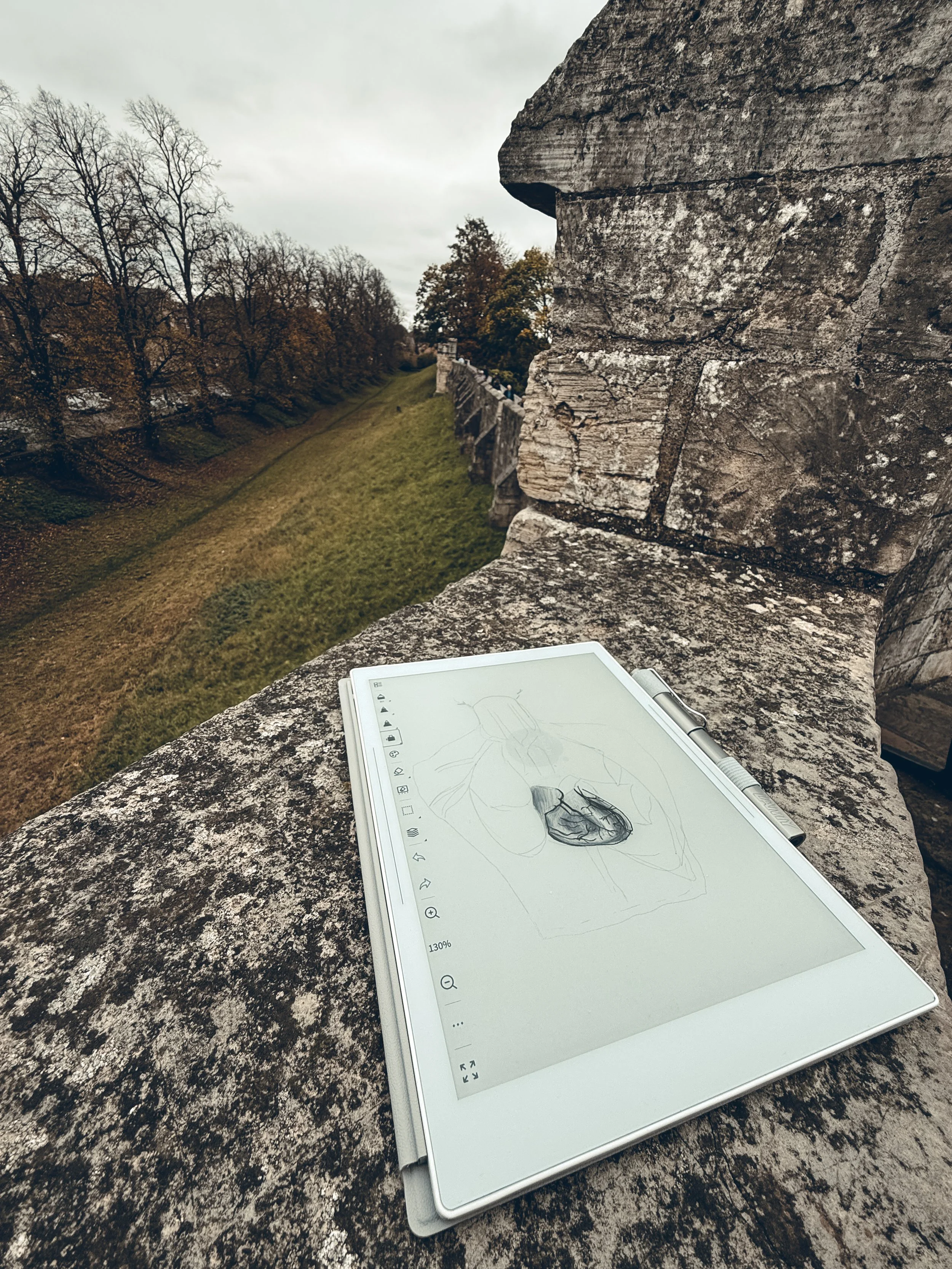
The A5x2 had a Humpty Dumpty moment when I was on the York Wall. I was drawing on top of the Wall when I accidentally knocked the A5x2 over with my book bag. The A5x2 came crashing down on the cobblestone to my horror. To make matters  worse I jumped back trying to catch it and accidentally stepped on the screen instead. Talk about clumsy but Manta is a soldier and survived!

Drawing on top of York Wall with Manta.

Screen held up to my foot and the back survived the cobblestones. It did however leave little scuff marks on the back of the device. But again this is a Test Prototype so this is not the Final Production version!

I was so glad it didn’t go over the other side of the wall either. I would’ve had a hard time explaining that to the Supernote team. Dear Supernote Team, Manta has fallen and can’t get up.

Footpads

There are little footpads that are on the back of the device. So I haven’t encountered any sliding issues when placed on a desk. The whole York Wall doesn’t count cause technically my book bag knocked it off the wall.

Software

Not much to be said here as of 12/08/2024. Same features and functionality found in Nomad and other devices.

Cons

Pen Loop

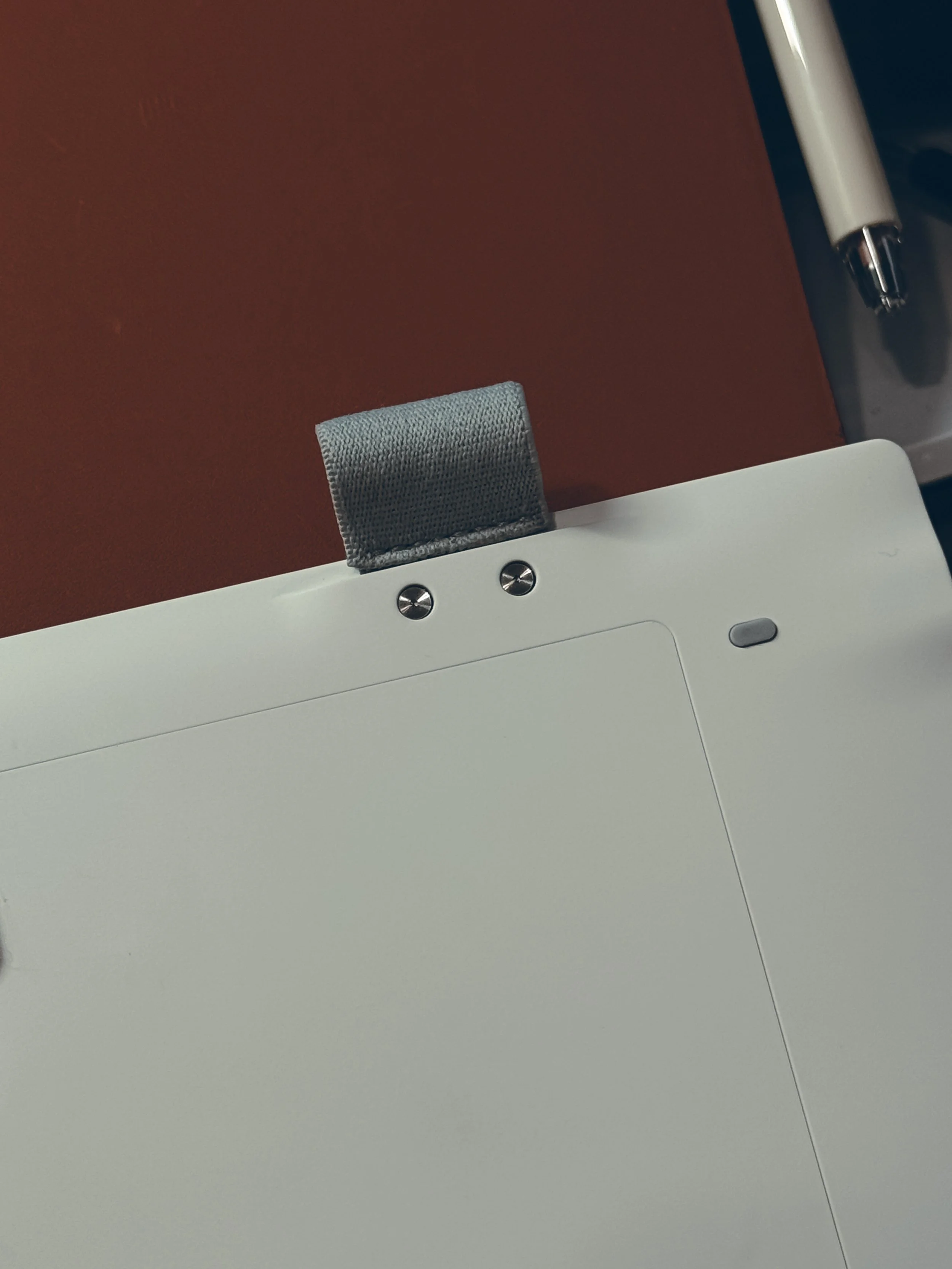
Pen Loop and Foot Pad

The A5x2 introduces a pen loop on the A5x2 itself. I am only putting this on the con list because I am not gentle with my devices and I foresee this pen loop breaking on me. The material feels a little like canvas or cloth. There are what looks like screws holding the pen loop in place. So I might try to replace the pen loop with a customized pen loop in the future. In the meantime to circumvent this I bought adhesive pen loops to stick to the back of the device as a second pen loop to prevent flapping. To be fair this is only a Test Prototype so there is a lot of room for improvement here.

Final User Experience thoughts

Supernote has consistently impressed me with its innovative note-taking devices. The latest iteration, Manta builds upon the success of its predecessor, the A5x, offering several notable improvements.

While the A5x remains a capable note-taking device, the Manta offers several compelling reasons to consider an upgrade. The slimmer design, and potentially improved durability make it a compelling choice for those seeking a more portable and practical note-taking experience.

Ultimately, the decision to upgrade depends on your specific needs and preferences. The A5x2 is a worthy investment. However, if you're satisfied with the A5x's performance and design, it continues to be a reliable and versatile option.

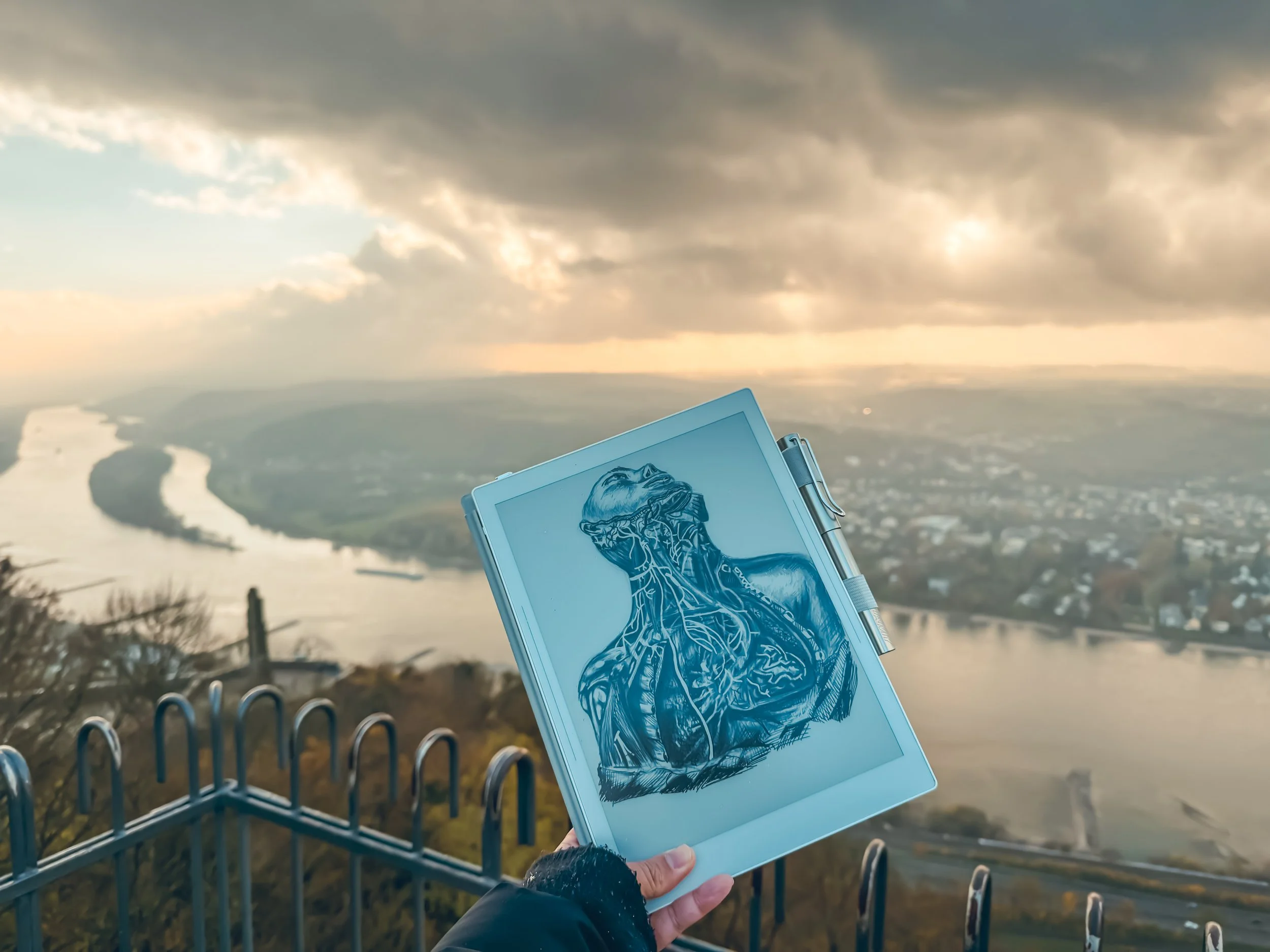
Manta on top of Drachenfels (Dragon’s Rock) in Germany

Stay tuned….

Unboxing Test Manta, Production Manta and…..more

Random Travel stories with Manta

Oh you’re still here huh?

When I was passing through customs in Scotland. Customs did pull me to the side to ask about the Manta which in turn almost made me miss my connecting flight.

Manta and Nomad almost got pickpocketed in Germany when I had to leave it in the bin while I got strip searched by security. 

Well , I did ask for an adventure…🤷🏻‍♀️

Plotting to storm the castle with Manta and Nomad

My Four Year Supernote Journey

Analog to Digital Mastery


I wanted to take the time to recount my four-year adventure with the Supernote. I didn't want to turn this into a review because I feel like that, I would be doing Supernote a disservice. It's not just a gadget; It's a companion that has become an indispensable part of my quest for digital mastery.


My Supernote Odyssey


My four-year journey with the Supernote has been nothing short of transformative. But let me be honest-it hasn't always been smooth sailing. There's been a bit of a learning curve, not just with the device itself but also with the transition from analog to digital notetaking.


Let me give you some backstory as to why I made that decision to switch to digital notetaking. It was May of 2019, and I was traveling to China. Excited to document everything I brought 2 notebooks. Somewhere during the trip I misplaced one of my notebooks that just happened to be my sketchbook. I was quite angry at myself. So, I told myself never again.


Navigating the Learning Curve


As I delved into the world of digital notetaking, I encountered challenges along the way. Adapting to the nuances of the Supernote took time and patience. From mastering the touchscreen controls to familiarizing myself with the array of features, there were moments of frustration and confusion. Yet, with perseverance, I began to unlock the device's full potential, discovering new ways to streamline my workflow and enhance productivity.


A Transformational Tool


Despite the initial hurdles, the Supernote has undeniably transformed the way I navigate through the daily influx of information. It's more than just a note taking device; it’s a gateway to digital organization and creativity. With its seamless integration into my daily routine, I've become more efficient, more organized, and more inspired than ever before.


How I use my Supernote


1.Planner:

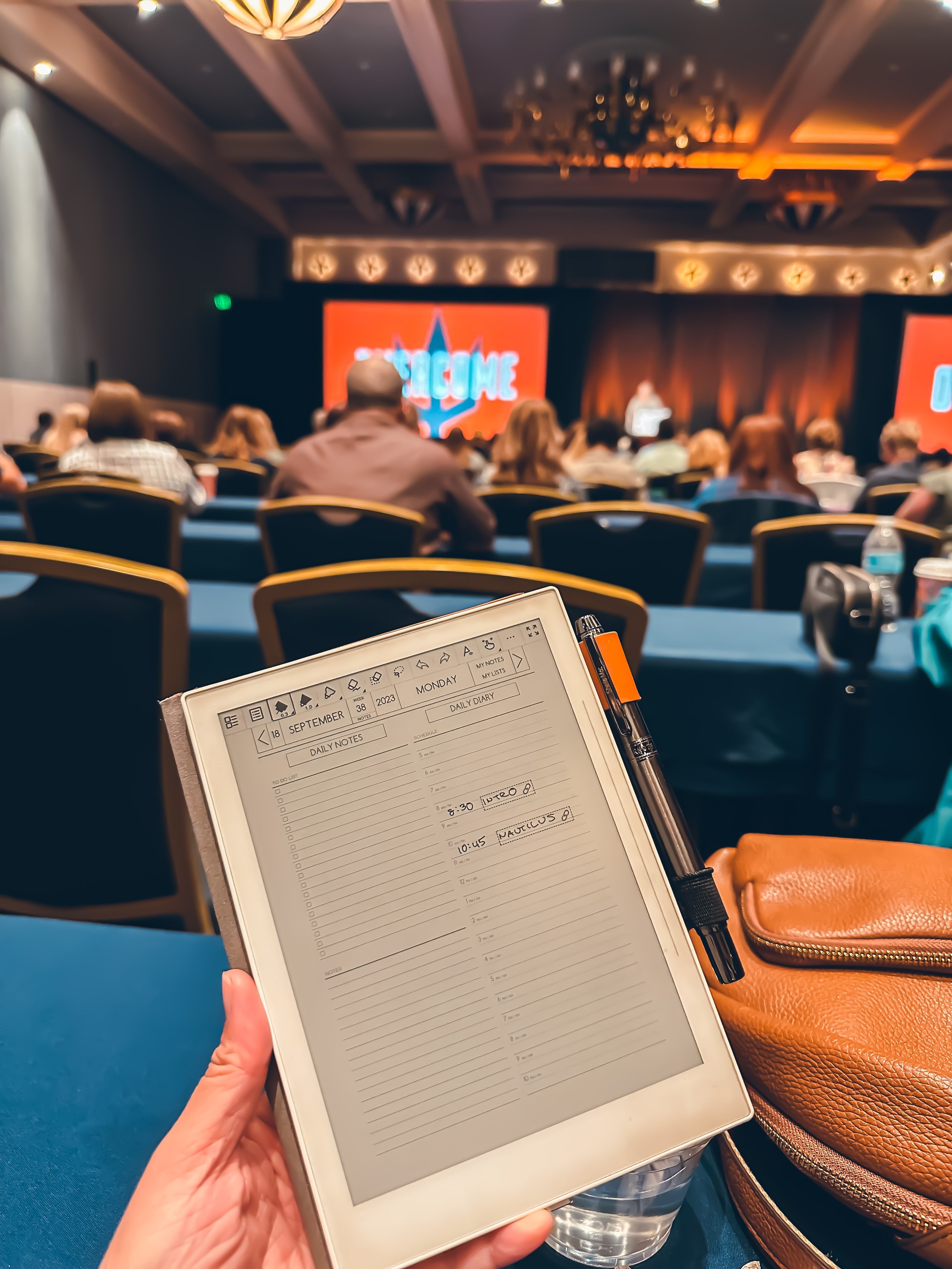
The Supernote has become my digital command center. Leveraging Supernote's ability to use a PDF as a template and turn notes into events. I can easily organize my schedule, set reminders on the Supernote that syncs with my phone calendar and plan tasks effortlessly. I was a devoted Hobonichi planner user prior to the Supernote and the amount of money I have been able to save every year on planners has paid for the Supernote twice over.


2.Scratch paper or Sticky notes:

Inspiration strikes at the most unexpected moment, when it does, I reach for my Supernote. I created a "Daily Capture" notebook, and this is where I can quickly jot down ideas or notes. Utilizing the ability to create a TOC (Table of Contents) allows me to retrieve these ideas or notes later.

This case use has been working especially well in office meetings in which I am capturing meeting minutes and must send a recap after the meeting. The act of writing notes in conferences with the Supernote allows me to be inconspicuous and not disturb fellow associates. Of course, once everyone has finished asking me what device I am writing on.


3.Journal

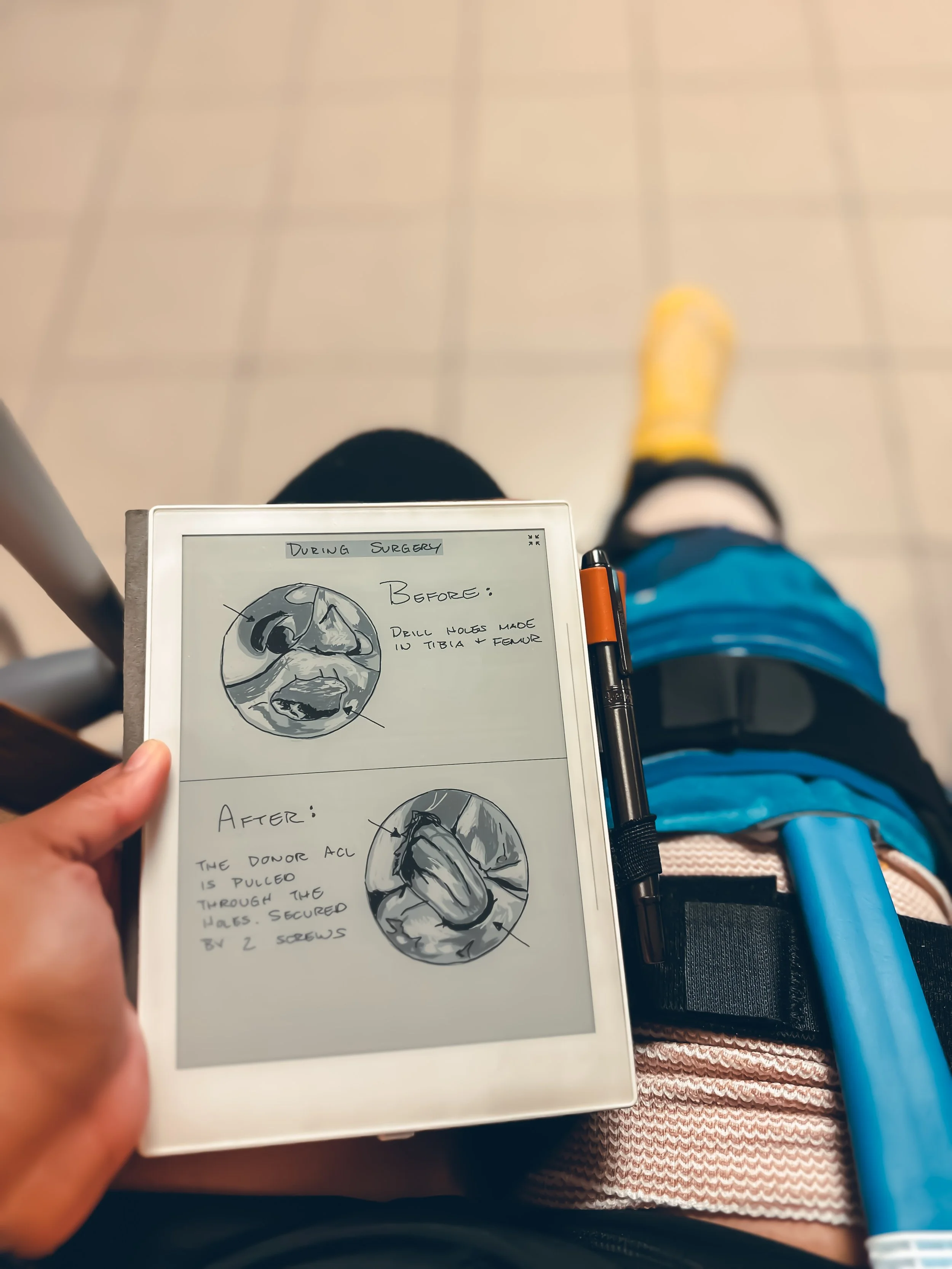
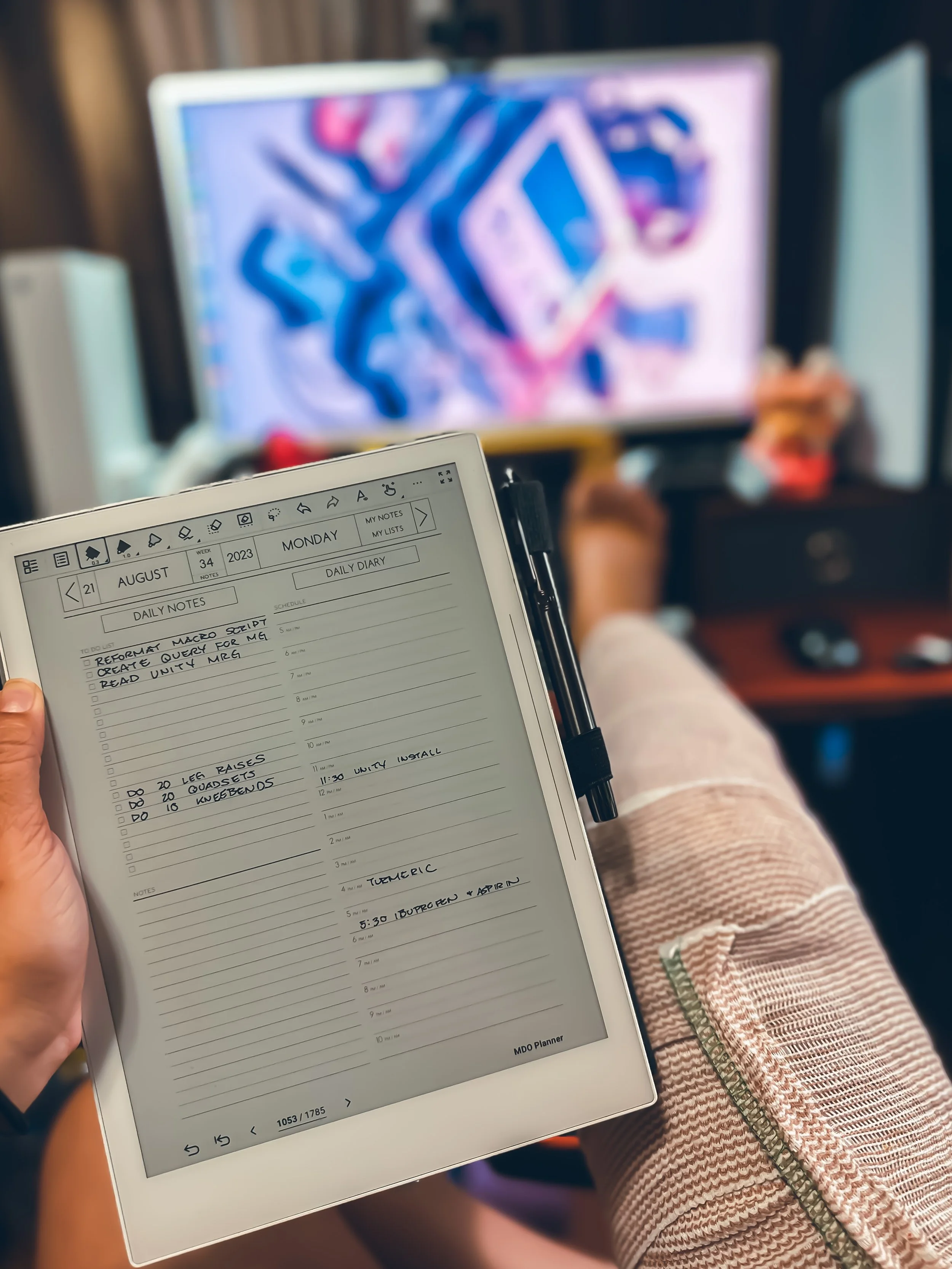
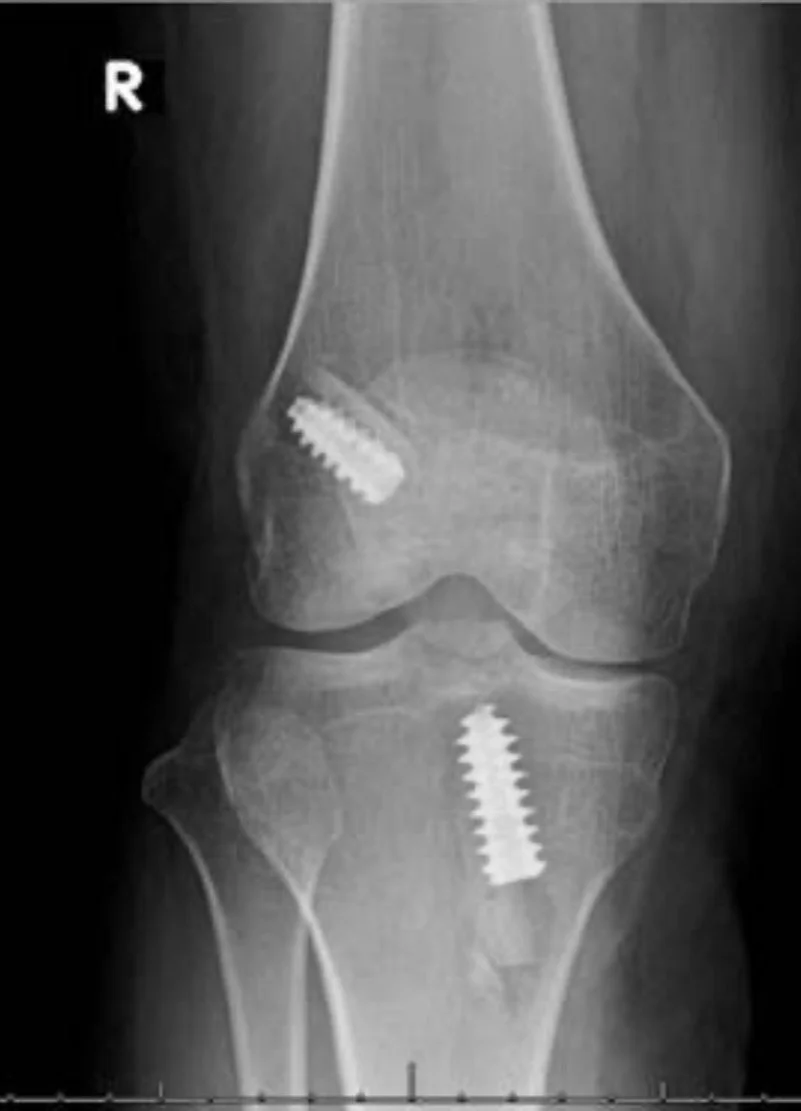
The Supernote has helped me document my journey through life. I am an avid runner and have an active lifestyle so when I got injured and had surgery, the Supernote was there to see me through it all. I created an ACL Journal that used to document it all from injury, to surgery, to recovery. I leveraged the PDF ability and inserted those PDFs into this notebook. I drew my Xray, mri, and pictures of my actual surgery in this journal. To this date, I am 7 months post op and have surpassed all my surgeon and physical therapy's expectations for recovery and I owe this debt of gratitude to my Supernote for holding me accountable and keeping me sane.


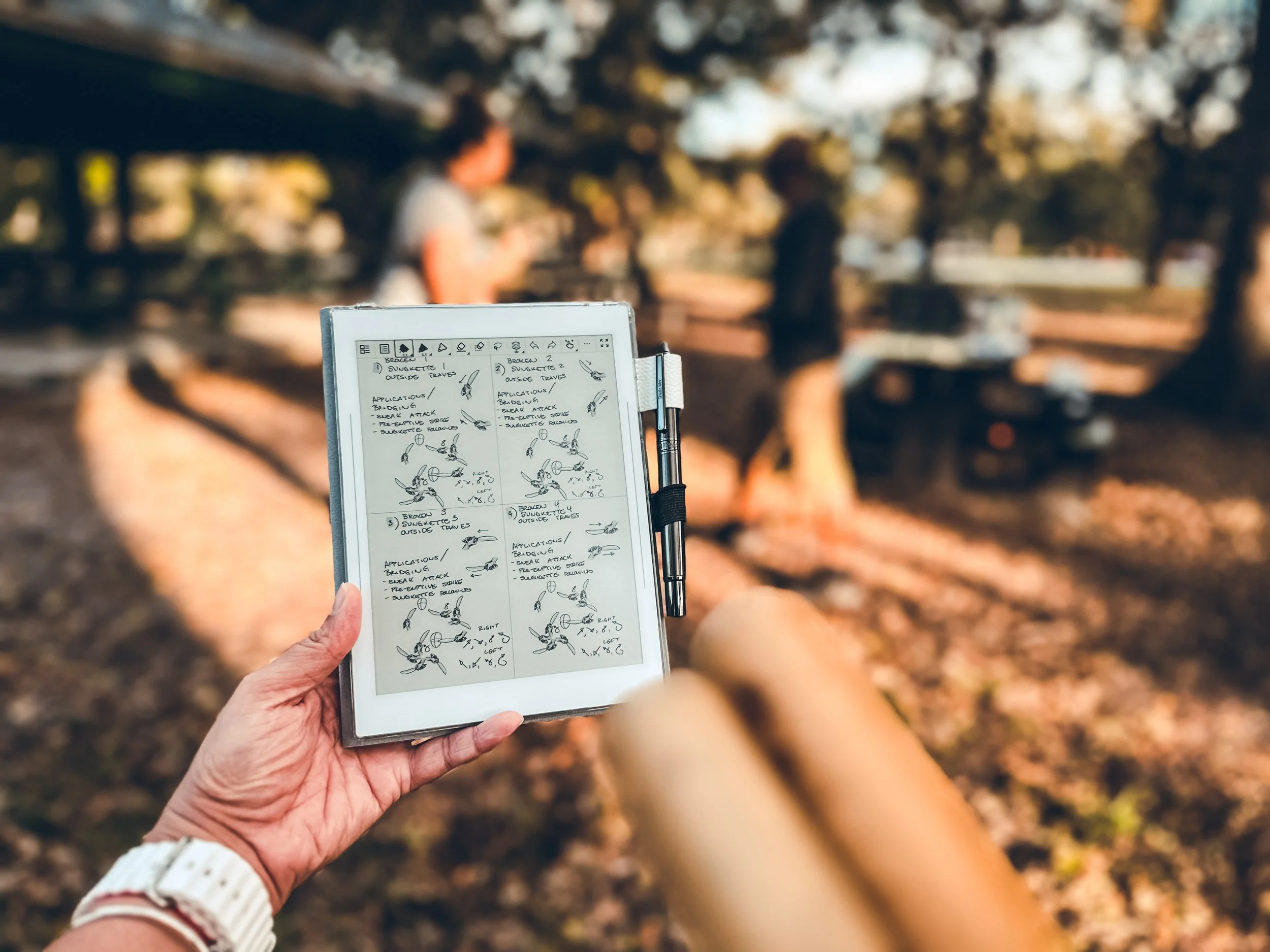
4.Organized Pekiti Tirsia Kali Notes:

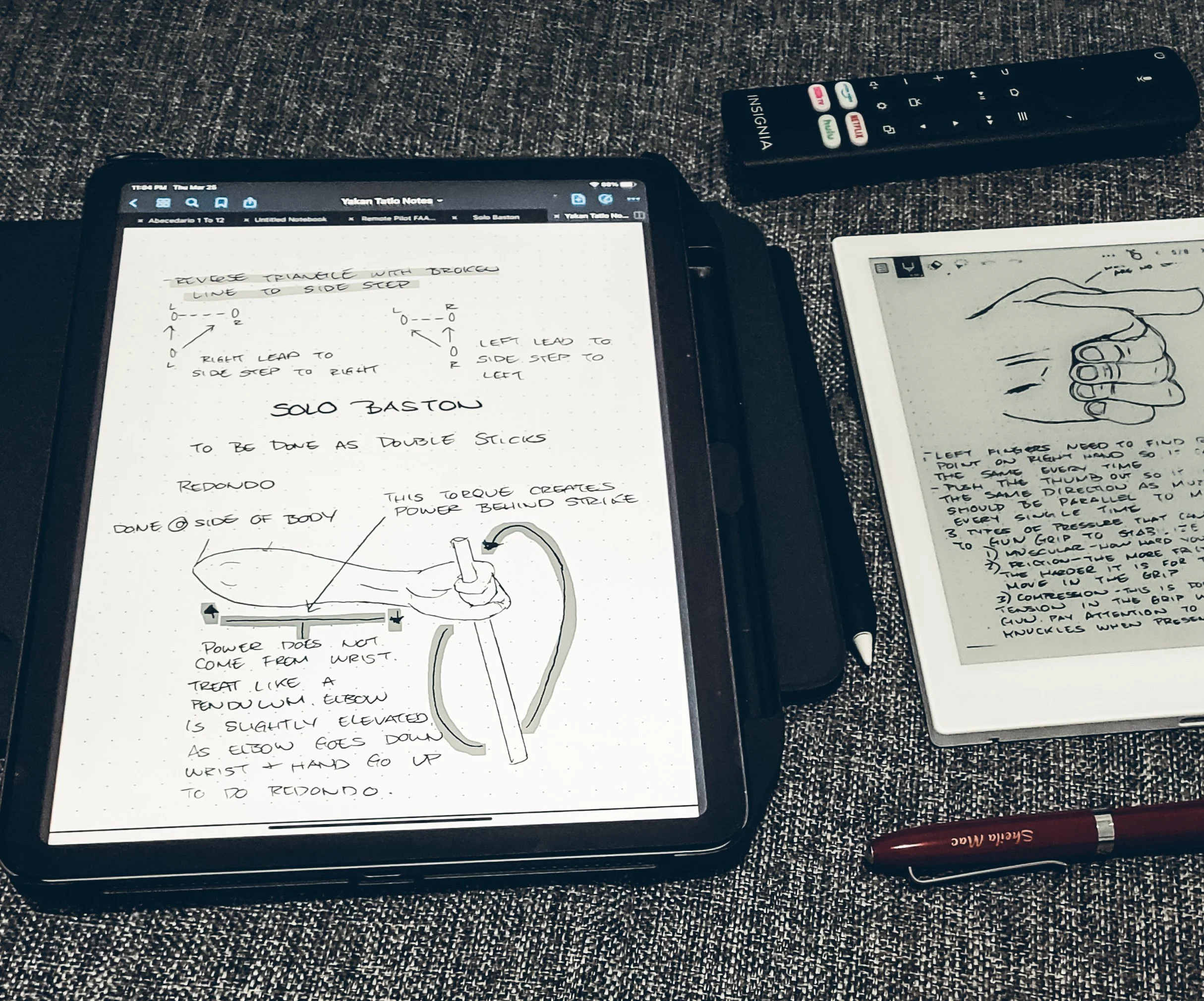
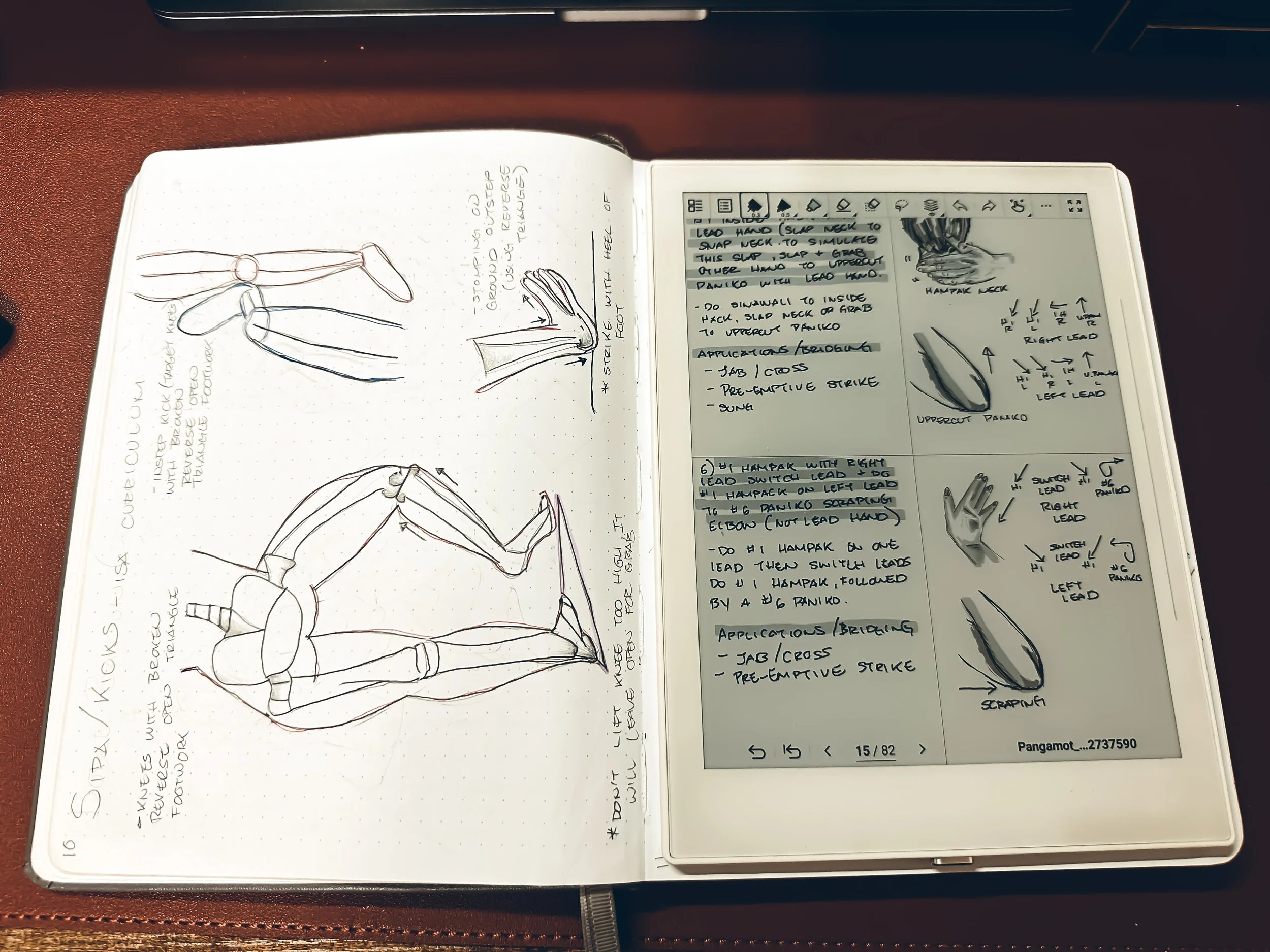
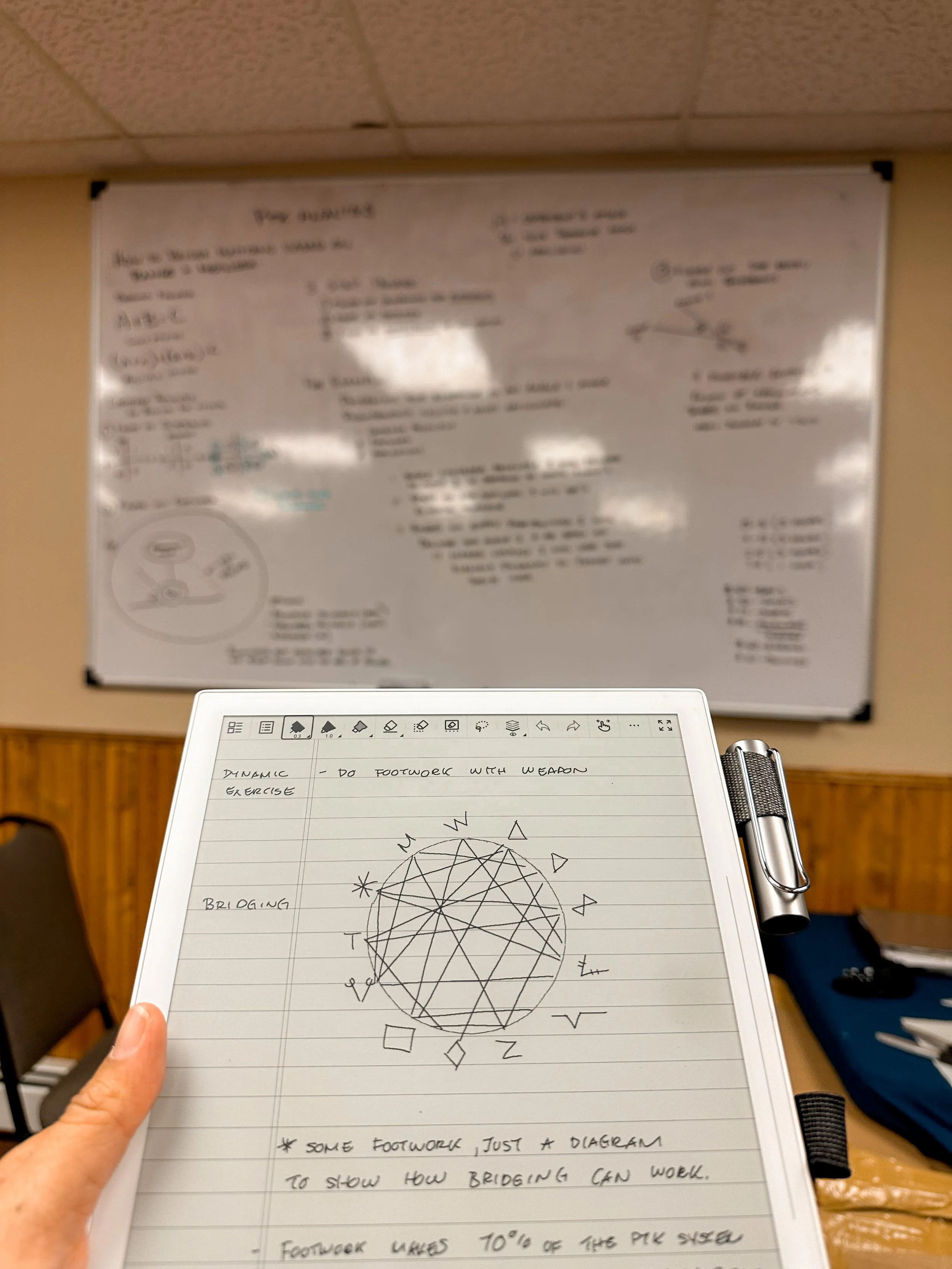
As a practioner of Pekiti Tirsia Kali, my Supernote has become an indispensable tool for recording techniques, drills, and progress. Its digital format allows me to organize my training notes and curriculum with ease, ensuring that every detail is captured for future reference. The build quality of the Supernote doesn't require me to coddle my device. I have taken it outside numerous times in all kinds of environments high humidity swamp weather of the Florida Everglades, to high elevation and foggy weather of the Rocky Mountains in Colorado, to one of the hottest places on Earth, Death Valley, California. The Supernote has not failed me in any of those areas. I'm not recommending anyone to be so cavalier with their Supernote and use my experience at your own risk.


5.Sketchbook

From doodles to intricate illustrations, the Supernote provides the perfect platform for bringing my ideas to life. One of the first things I did when I got my Supernote is to recreate my sketchbook that was lost in China. Now with the added app of Atelier, the Supernote has now become my favorite form of a digital sketchbook.

 6.Study Aide

From outlining essays to organizing research notes, the Supernote streamlines my study sessions, making the learning smoother and more efficient. It’s not just about taking notes; it’s about creating a personalized study experience that fits my unique learning style.


7.Personal Knowledge Management (PKM):

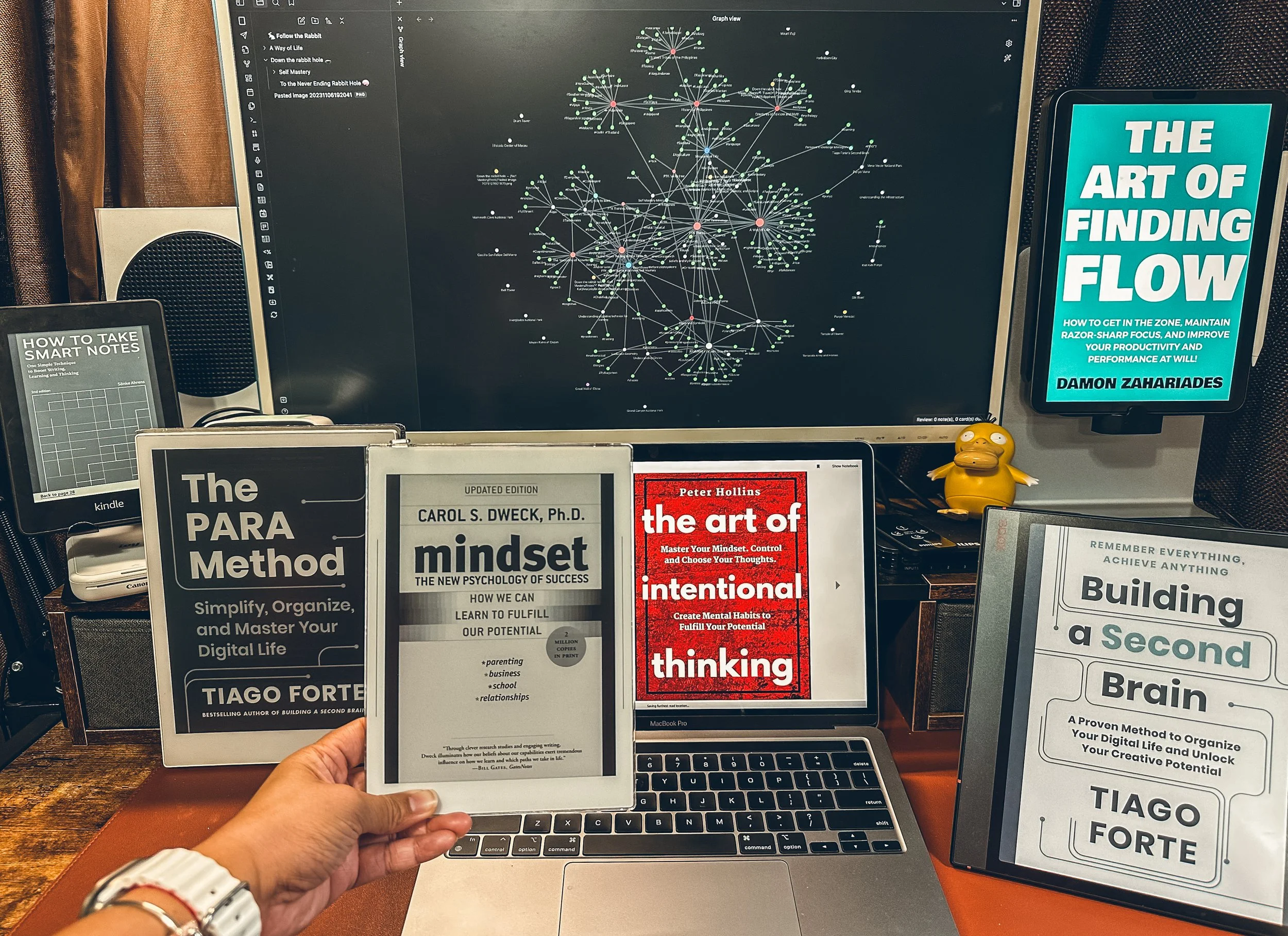
At a holistic level, the Supernote has evolved into my Personal Knowledge Management hub. With its export capabilities, I can effortlessly transfer my meticulously crafted notes into Obsidian, where they seamlessly integrate into my "Second Brain" workflow. This integration has revolutionized my knowledge management process, empowering me to archive and retrieve information with unparalleled efficiency and depth.


Embracing my Supernote Journey


Reflecting on my journey with my Supernote. I'm overwhelmed with gratitude for ways it has elevated my digital note-taking experience. It's more than just a device, it's been a catalyst for growth and innovation. As I continue to explore my Supernote's potential, I eagerly anticipate new updates and features that await for this ever-evolving tool for digital mastery.